
Appointment Booking Automation - $14.99/Hour
Clients book directly on your calendar. Reminders reduce no-shows by 50%. 5-8 hours = $75-$120.
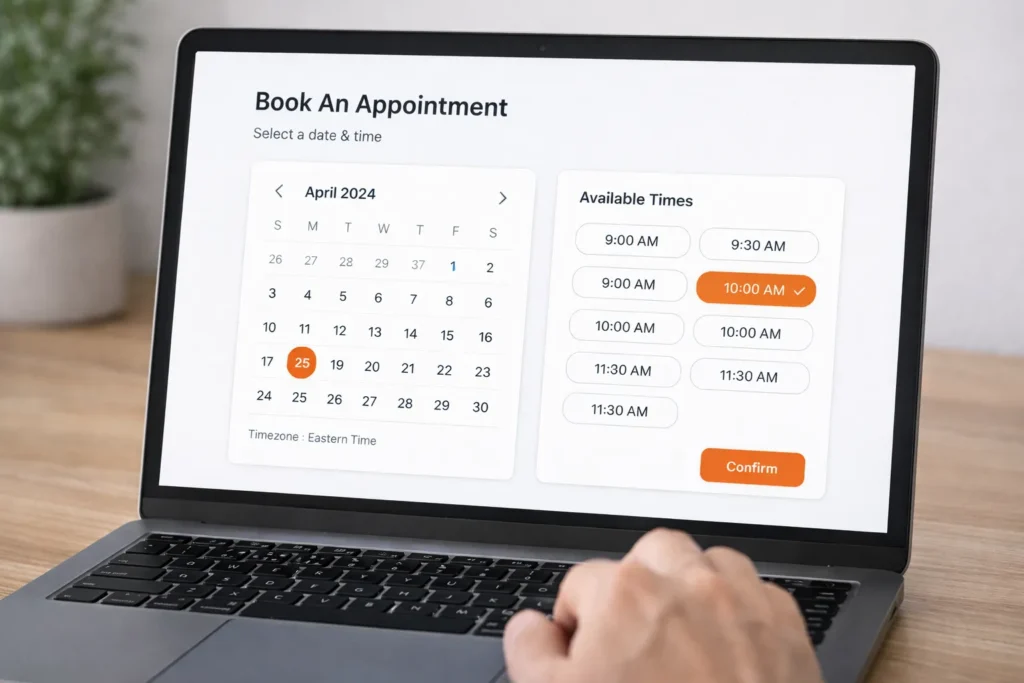
We Connect to Your Calendar
Works with the calendar you already use.
Don’t see your calendar? We integrate with most major platforms.
You're playing email tag. "Is Tuesday at 2pm available?" "No, how about Wednesday at 10am?" Back and forth for days.
Then they book. Then they forget. No-show. You lose money.
There's a better way.
What's Included
Features
Included
Two Ways to Work
Option
What You Do
What We Do
Simple Price
Both include: Booking links, calendar sync, confirmations, reminders, 2 revision rounds.
Add-Ons
Need more than appointment booking? Add what you need. Same $14.99/hour rate.
Pricing & Hours
Scenario
Hours
You Pay
Compare to the cost of no-shows: One no-show costs you $50-$500.
Our system pays for itself after 1-2 saved appointments.
How it Works
-
1
You book a free 15-minute consultation
-
2
We learn your availability and appointment types
-
3
We send an SLA with exact hours. You approve.
-
4
We set up your booking links and calendar sync
-
5
We configure automated confirmations and reminders
-
6
You review (2 revisions included)
-
7
We go live. Clients start booking themselves.
Revisions beyond 2 rounds? Same $14.99/hour. No surprises.
What Professionals Say
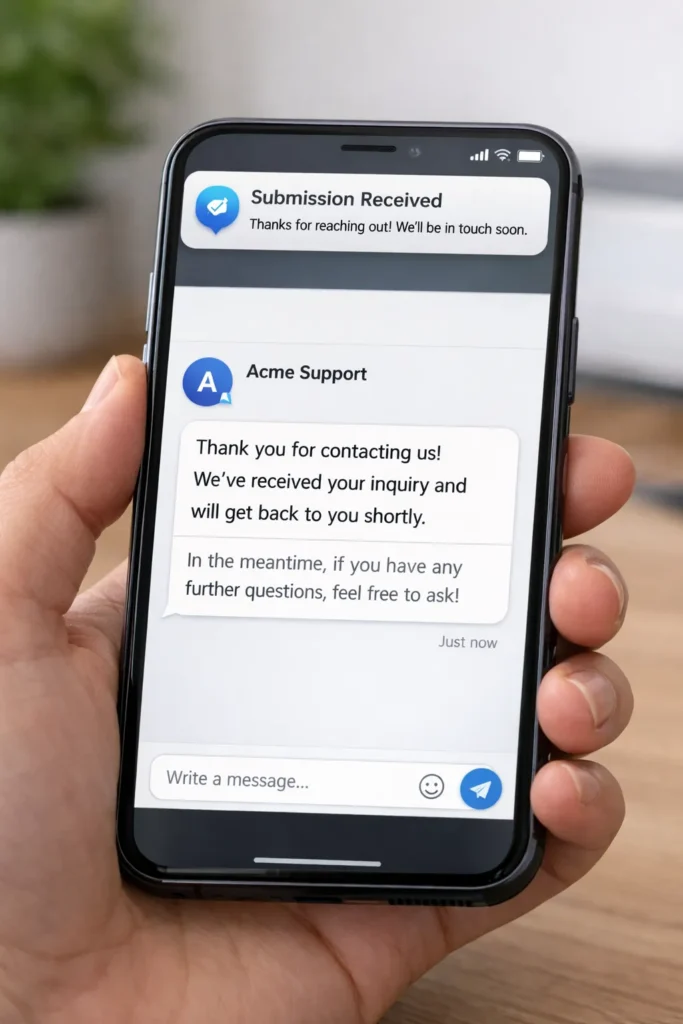
"No-shows were killing us. We had 30% no-show rate. Now patients get a text 24 hours and 1 hour before. No-shows dropped to 12% in 2 months."
Dr. Michael T.
"I was spending 2 hours a day on the phone scheduling appointments. Now clients book themselves online. My front desk actually has time to help people in the office."
Sarah K.
"The reminders alone are worth it. We've saved thousands in lost revenue. Clients actually show up now."
Mike T.
"I was skeptical about online booking. Thought it would be complicated. WPDriven set it up in 5 hours. Now my calendar fills itself. Best $75 I ever spent."
James L.
"We have 3 locations and 12 staff members. Different hours for each. They set it all up. Works perfectly. No more double bookings. No more no-shows."
David P.






FAQs About Appointment Booking Automation
Which calendar platforms work?
Google Calendar, Outlook, iCloud, and most major calendars.
Can I set different availability for different services?
Yes. Different booking links for different appointment types.
How many reminders can I send?
As many as you want. Typically 24h and 1h before.
Do clients need to create an account?
No. They book directly. No friction.
Can clients reschedule or cancel?
Yes. Links are included in every confirmation and reminder.
What if I need changes later?
Ongoing support at $14.99/hour. Or add to your monthly maintenance plan.






Ready to Stop Playing Email Tag?
Clients book themselves. Reminders reduce no-shows. You save hours every week. $14.99/hour.

