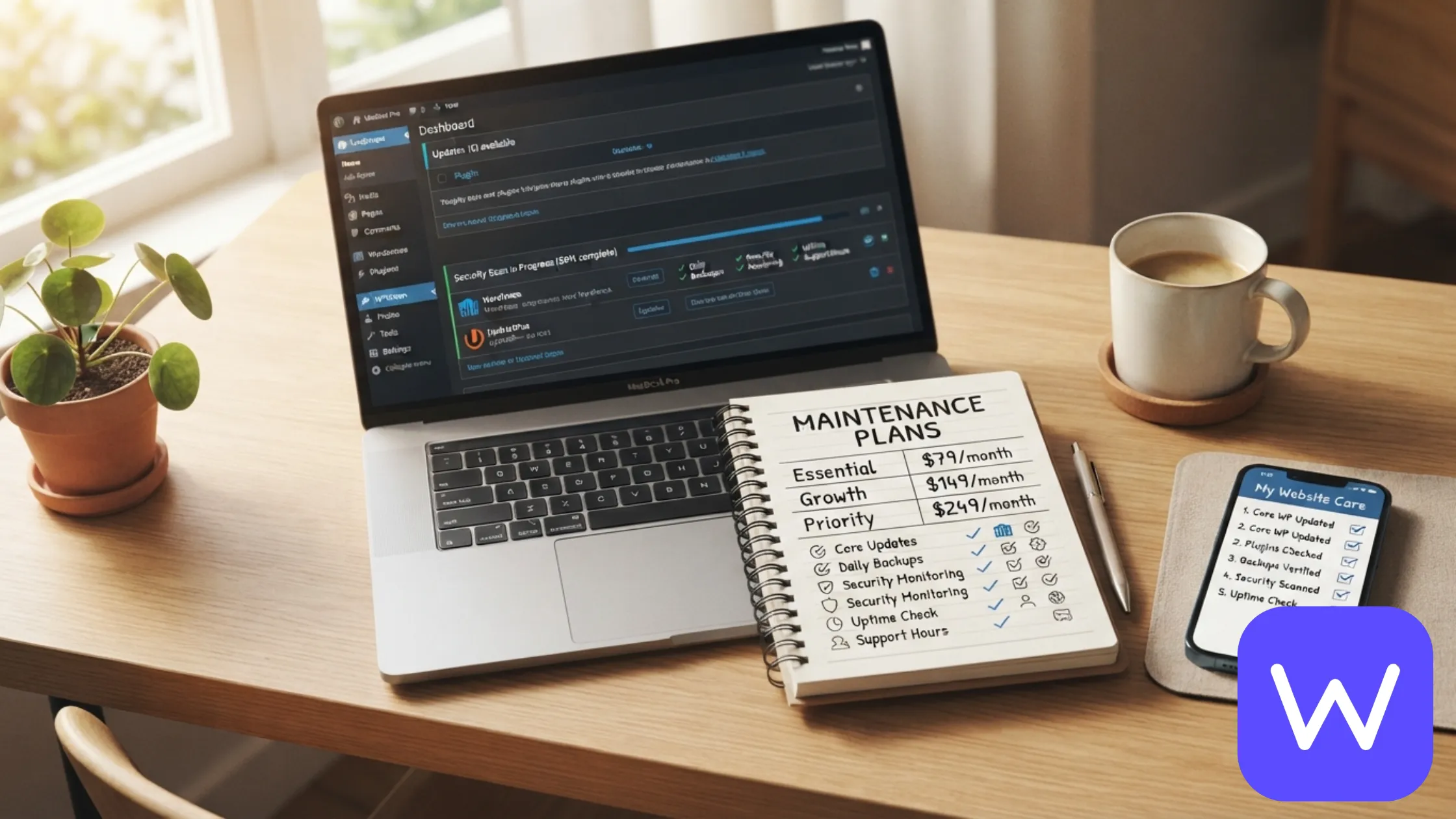
Quick Answer: WordPress maintenance plans typically cost $100 to $300 per month for most small businesses, though plans range from $30 to $5,000+ depending on what’s included. At WPDriven, our care plans start at $199/month** for updates, security monitoring, backups, and support, and go up to **$699/month for priority response and included edit hours. What separates a good plan from a cheap one is not the price — it’s what happens when something breaks.
Most WordPress sites do not break on their own. They break when nobody is watching.
A plugin goes out of date and becomes a security hole. A core update conflicts with a theme. A backup that was never tested turns out not to work when you need it. Nine out of ten hacked or slow WordPress sites we see share the same root cause: nobody updated the site in six months.
A maintenance plan is the fix. But maintenance plans are also one of the most confusing purchases in the WordPress world — prices vary wildly, inclusions are vague, and every provider claims to be the safest pair of hands. This post breaks down what you are actually paying for, what the market looks like in 2026, and what to check before you sign up.
If you want the short version of what we offer, see our WordPress maintenance and support plans.
The short answer: what WordPress maintenance actually costs
Here is where the market sits right now.
| Plan type | Typical cost | What it usually covers |
|---|---|---|
| Basic updates and backups | $30 – $100/month | Core/plugin updates, basic backups, uptime monitoring |
| Standard care plan | $100 – $300/month | Updates, security scanning, off-site backups, support, monthly report |
| Premium care plan | $300 – $700/month | Everything above + edit hours, speed/SEO checks, priority response |
| Managed WordPress hosting | $50 – $500/month | Hosting plus some maintenance included (varies widely) |
| Enterprise / agency retainer | $1,000 – $5,000+/month | Full management, development hours, dedicated support |
Most small businesses land in the $100 to $300 per month range. That gets you a plan that handles updates, security, backups, and support — the four things that prevent the most common WordPress disasters.
The very cheap plans ($30–$50/month) usually do one thing well (updates) and skip the rest. The expensive plans ($500+/month) are usually for stores, membership sites, or businesses that rely on their site for revenue every day.
What WPDriven charges: Our care plans start at $199/month** for Essential (updates, security, backups, monthly report, email support), **$399/month for Growth (adds 3 hours of edits, speed/SEO checks, WhatsApp support), and $699/month for Priority (adds 8 hours of edits, chatbot upkeep, 4-hour response, same-day emergency fixes).
If you are not sure which tier fits, get a care plan quote and we will tell you honestly.
What you are actually paying for
A maintenance plan is not a single service. It is a bundle of work. Here is what goes into a standard plan, and why the price varies so much between providers.
Updates. WordPress core, every plugin, and your theme. This sounds simple. It is not. Updates can break sites if they are not tested, and skipping them is the number one way WordPress sites get hacked. A good plan updates safely and has a rollback path if something goes wrong.
Security monitoring and malware cleanup. A firewall, daily scans, and a cleanup process when something gets through. The cleanup is the expensive part — malware removal on a compromised site takes hours of skilled work.
Backups. Weekly or daily backups stored off-site, with a one-click restore. The backup itself is cheap. Testing that the restore actually works is what you are paying for.
Uptime monitoring. Checking your site every minute and alerting you (or fixing it) if it goes down. Without this, you find out your site is down when a customer tells you.
Speed optimization. Image compression, caching, database cleanup, and asset optimization on a regular schedule. Speed degrades over time as content is added. A maintenance plan keeps it from sliding.
Content and design edits. Change a photo, update a price, add a blog post, tweak a layout. Cheap plans usually do not include this. Good plans include a set number of hours per month.
Support. A real human who responds when something breaks. This is the biggest differentiator between a cheap plan and a good one. Cheap plans give you a ticket queue. Good plans give you a named person who knows your site.
Reporting. A monthly summary of what was done, what was found, and what is recommended next. Cheap plans usually skip this. Good plans make it the reason you renew.
What a good plan includes at each tier
Most maintenance providers structure their pricing around three tiers. Here is what each tier should include, based on what we see in the market and what we offer at WPDriven.
Basic / Essential tier — $100 to $250/month
For simple sites that need to stay secure and online.
What it should include:
- WordPress core, plugin, and theme updates
- Security scanning and firewall
- Weekly off-site backups
- Uptime monitoring
- Monthly report
- Email support (48-hour response is typical)
What it usually does not include: Edit hours, speed optimization, SEO checks, or priority response.
Who it is for: Small business websites, brochure sites, and blogs that need to stay secure but do not change much. This is our Essential plan at $199/month.
Standard / Growth tier — $250 to $500/month
For sites that need regular improvements, not just upkeep.
What it should include:
- Everything in the Basic tier
- A set number of edit hours per month (typically 2 to 5)
- Speed and on-page SEO health checks
- Broken link and form monitoring
- Faster support (24-hour response is typical, often with WhatsApp)
Who it is for: Business websites that need regular changes and want proactive monitoring. This is our Growth plan at $399/month.
Premium / Priority tier — $500 to $1,000+/month
For sites that rely on being online and fast every day.
What it should include:
- Everything in the Standard tier
- More edit hours (typically 8+ per month)
- Priority support (4-hour response is typical)
- Emergency same-day fixes
- Sometimes includes SEO monitoring, chatbot upkeep, or reporting dashboards
Who it is for: Ecommerce stores, membership sites, and businesses where the site is the business. This is our Priority plan at $699/month.
What drives the price up (and what does not)
Most people assume the price is mostly about the number of plugins. It is not. Here is what actually moves the needle.
What drives the price up
Site complexity. A 5-page brochure site with 8 plugins is not the same as a 50-page WooCommerce store with 30 plugins. More complexity means more update risk, more security surface, and more cleanup when something goes wrong.
Edit hours included. The single biggest driver of price differences between tiers. A plan with 8 edit hours per month is doing real work for you every month.
Response time guarantees. A 48-hour response is cheap. A 4-hour response requires staff on standby. That is what you are paying for at the premium tier.
Ecommerce and membership functionality. Payment flows, customer data, and subscription logic all need more careful maintenance than a static site.
Custom development. If your site has custom code, plugins, or integrations, maintenance takes more skill and more time.
What does not drive the price up as much as people think
Number of pages. A 20-page site is not meaningfully harder to maintain than a 5-page site. The difference is in the functionality, not the page count.
Hosting. Hosting is usually separate from the maintenance plan (see the section below). It is not marked up by a good maintenance provider.
Backup storage. Weekly off-site backups are cheap to store. Any provider charging a lot for backups alone is overcharging.
Basic security scanning. Wordfence and similar tools are affordable. A plan that charges a premium just for a security plugin is not adding much value.
Maintenance plan vs managed WordPress hosting
One of the most common confusions: is a maintenance plan the same as managed WordPress hosting?
No. They solve different problems.
| Managed hosting | Maintenance plan | |
|---|---|---|
| What it covers | The server your site lives on | The WordPress installation on that server |
| Who handles updates | Sometimes, but usually WordPress core only | Every plugin, theme, and core update |
| Who handles security | Server-level firewall | Site-level scanning, malware cleanup |
| Who handles backups | Server-level, usually daily | Off-site, restorable, tested |
| Who handles edits | Nobody | Included hours (on most plans) |
| Who answers when the site breaks | The host, for server issues | The maintenance team, for WordPress issues |
The honest answer: Most businesses need both. Managed hosting keeps the server fast and secure. A maintenance plan keeps the WordPress installation updated, backed up, and supported. A good host handles the server. A good maintenance plan handles WordPress.
Some managed hosts (like WP Engine and Kinsta) include basic maintenance in their plans. That covers core updates and server-level security, but it usually does not include plugin updates, malware cleanup, edit hours, or support for WordPress-specific issues. That is why most businesses on managed hosting still need a maintenance plan on top.
What to check before you sign up for a plan
The maintenance market has a lot of providers who charge the same price and deliver very different things. Here is what to check before you commit.
1. Who actually does the work?
Is it an in-house team, a freelancer, or an outsourced overseas team? All three can work — but you should know. A plan that charges $199/month and outsources to a team you never talk to is not the same as a plan where you have a named contact who knows your site.
2. What is the response time guarantee?
“Fast support” is not a guarantee. A 48-hour response time is typical for basic plans. A 4-hour response is typical for premium plans. Ask what happens if they miss it.
3. Are backups tested?
A backup that has never been restored is not a backup. Ask how often backups are tested, and whether you can request a restore test at no extra cost.
4. What happens if the site gets hacked?
This is the big one. Does the plan include cleanup, or does it charge extra for it? A plan that charges extra for malware cleanup on a site you are paying them to maintain is not really a maintenance plan.
5. What is not included?
Every plan has exclusions. Ask specifically about:
- Full redesigns
- Content writing at scale
- New feature development
- Emergency response outside business hours
- Migration to a new host
A good provider will tell you upfront. A bad one will surprise you later.
6. Can you leave whenever you want?
Some maintenance providers lock you into 12-month contracts. Others are month-to-month. For most small businesses, month-to-month is the safer choice — it means the provider has to earn your business every month.
7. What do you get each month?
A monthly report is not a nice-to-have. It is how you know the plan is actually doing the work. Ask for a sample report before you sign up. If they cannot show you one, that tells you something.
What about one-time fixes?
Not every business needs an ongoing plan. Sometimes the site just needs a one-time cleanup, a speed pass, or a recovery from a hack.
At WPDriven, we offer one-time fixes alongside our care plans. That includes:
- Website health check — a full audit of your site with a prioritized list of what to fix
- Malware cleanup — recovery from a hack on a site not on a plan (starts at $599 depending on severity)
- Speed pass — a one-time optimization of a slow site
- Migration — moving from another host or platform
Many of our care clients start with a one-time fix and move to a plan later. If you are not sure whether you need a plan or just a fix, a free website health check will tell you.
How WPDriven prices care plans
Here is what we charge and what you get. No surprises, no hidden fees.
| Plan | Price | What’s included | Best for |
|---|---|---|---|
| Essential | $199/month | Updates, security monitoring, weekly off-site backups, monthly report, 48-hour email support | Simple business sites |
| Growth | $399/month | Everything in Essential + 3 hours of edits/fixes, speed/SEO health checks, broken link/form monitoring, 24-hour WhatsApp support | Sites that need regular improvements |
| Priority | $699/month | Everything in Growth + 8 hours of edits/fixes, AI chatbot upkeep, 4-hour priority response, same-day emergency fixes | Sites the business depends on |
What we do not charge extra for: Malware cleanup on sites on a plan, restore tests, uptime monitoring, or reporting. If your site is on a plan, we handle it.
What is not included: Full redesigns, content writing at scale, new feature development, and ongoing SEO campaigns. Those are separate services (see website design and SEO, AIO, and GEO).
Frequently asked questions
How much does a WordPress maintenance plan cost?
Most WordPress maintenance plans cost $100 to $300 per month for small businesses, with plans ranging from $30 to $5,000+ depending on what’s included. At WPDriven, care plans start at $199/month for Essential, $399/month for Growth, and $699/month for Priority.
Do I actually need a WordPress maintenance plan?
Yes, if your site takes payments, generates leads, or is a core part of your business. WordPress needs regular updates and monitoring. Sites without care tend to break slowly, then all at once, usually at the worst possible time. A maintenance plan is cheap insurance against a rebuild.
Can I just do the updates myself?
You can. Many business owners do. But it takes time, and it is easy to miss something. The bigger risk is what happens when an update breaks the site or a plugin becomes vulnerable — most business owners do not have the time or skills to diagnose and fix that. A plan is not just for updates. It is for what happens when something goes wrong.
What is the difference between maintenance and managed hosting?
Managed hosting keeps the server fast and secure. A maintenance plan keeps the WordPress installation updated, backed up, and supported. Most businesses need both. A host handles the server. A maintenance plan handles WordPress.
What happens if my site gets hacked while on a plan?
If a site on a care plan gets compromised, we clean it up as part of the plan — malware removal, security hardening, plugin review, and confirming no customer data was touched. Emergency cleanups on sites not on a plan start at $599 depending on severity.
Can I cancel any time?
At WPDriven, yes. All care plans are month-to-month. Cancel any time with 30 days notice. No lock in, no cancellation fees.
Get a care plan quote
Tell us about your site and what has been going wrong. We reply within 24 hours with a plan and a fixed price. No obligation, no pressure.
Prefer to chat first? Message us on WhatsApp and we will reply during business hours.
Related reading: