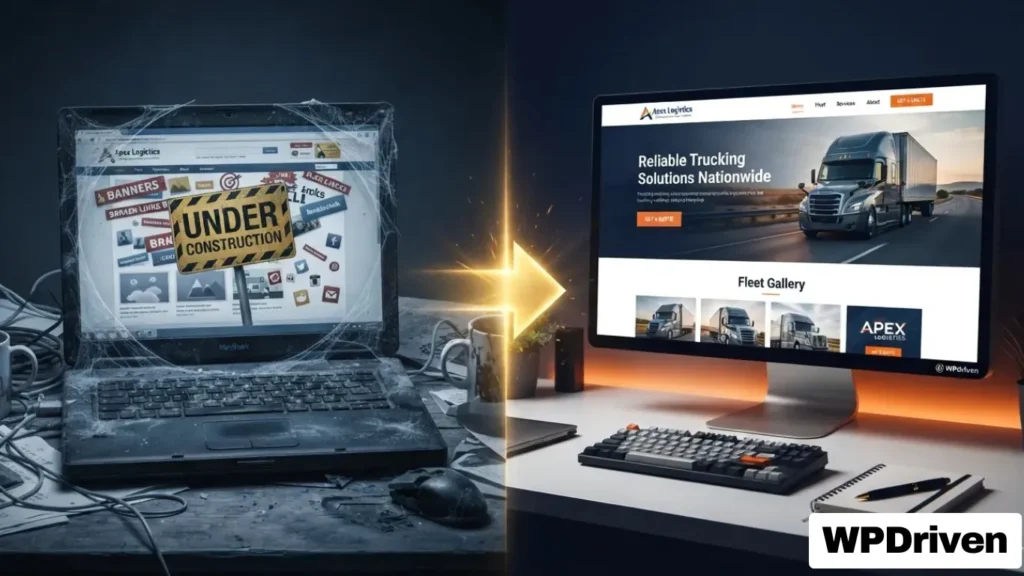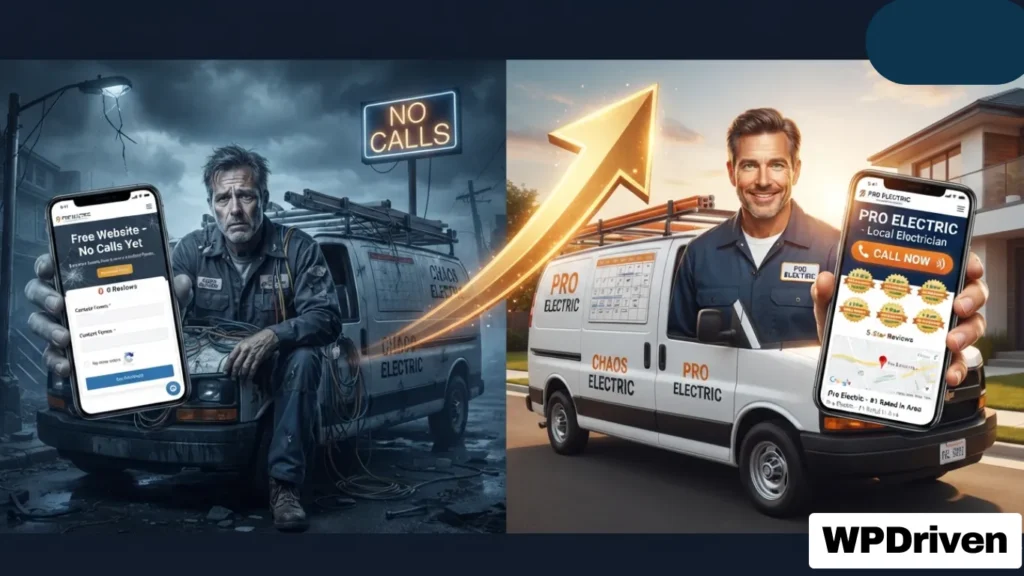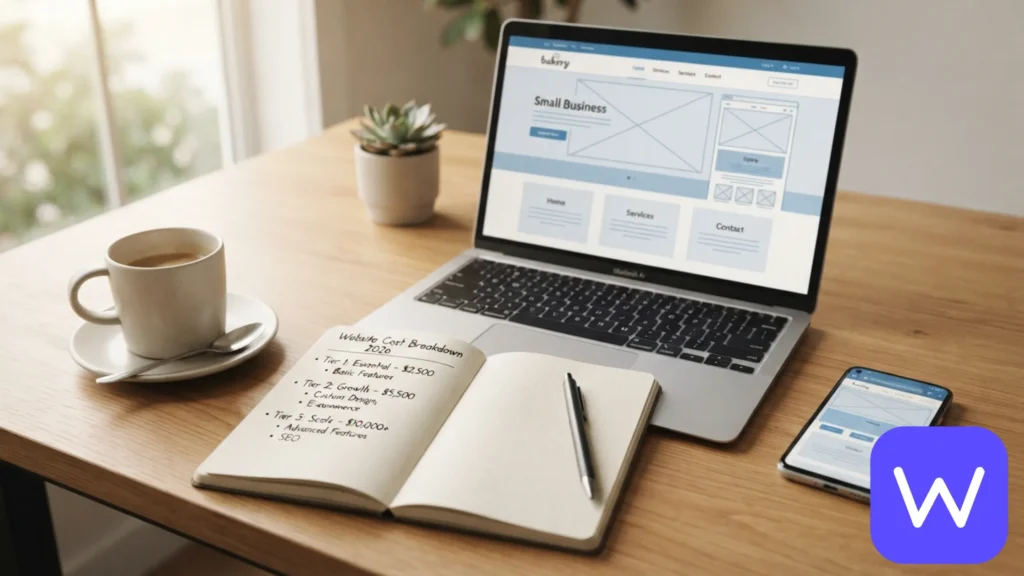
For trucking, freight, and logistics companies, your website is often the first impression a potential client has of your business. Shippers and freight brokers will judge your professionalism, reliability, and capacity within seconds of landing on your page.
A poorly designed website is a direct leak of revenue. A professional, high-converting site is one of your most powerful tools for winning new contracts and building a trusted brand.
This guide covers everything trucking companies need to know about building a website that works as hard as your fleet.
Why Trucking Companies Need a Professional Website
A well-designed website is a central hub for your logistics business. It serves multiple critical functions:
Function
Benefit
B2B Credibility
A professional site showcases your fleet, certifications (FMCSA, USDOT), and insurance, building instant trust with shippers and brokers.
Lead Generation
Modern templates include features like “Get a Quote” buttons and freight-specific contact forms to capture inquiries 24/7.
Competitive Advantage
A strong site helps you dominate local and regional freight searches, making it easier for potential clients to find you.
Driver Recruitment
A dedicated “Careers” section helps attract qualified CDL drivers, directly addressing a major industry challenge.
Must-Have Features for a Trucking Website
To compete in the logistics industry, your website needs to include key features that address the unique needs of your clients and your business. Many modern logistics templates are designed with these features built-in.
Feature
Why It’s Important
Services Showcase
Clearly list your services—truckload, flatbed, refrigerated, intermodal—with detailed pages for each.
Fleet Gallery
Showcase your trucks, trailers, and equipment to demonstrate capacity and professionalism.
Freight Tracking
A tracking tool allows clients to check shipment status without calling, improving customer satisfaction and reducing administrative load.
Load Quote Form
A quote form for potential clients to get quick estimates for their shipping needs is a powerful lead generation tool.
Trust Signals
Include safety ratings, client testimonials, and partner logos to build credibility.
Design & Performance Essentials
A beautiful design must be backed by fast loading times and a seamless user experience.
Feature
Business Impact
Responsive Mobile Design
Over 60% of B2B searches happen on mobile. Your website must be easy to use on any device. Built-in responsiveness in templates ensures a consistent experience across all screens.
Fast Loading Speeds
A slow website is a conversion killer. Optimized code and performance-focused design help your site load quickly, keeping visitors engaged.
SEO-Ready Structure
A clean codebase, semantic HTML, and optimized layouts are essential for good search engine rankings. This is a foundational feature of professional templates.
Simple Navigation
Users should easily find your services, contact information, and quote forms. Clear, intuitive layouts guide visitors through the site.
How WPDriven Can Build Your Trucking Site
WPDriven specializes in building professional websites for trucking, logistics, and delivery companies. The approach combines a strategic, conversion-focused design with a hassle-free process.
Our Process
Phase
What Happens
1. Discovery
We learn about your fleet, services, and target market to create a site that reflects your unique brand.
2. Design & Build
We design a custom site tailored to your specifications, including key features like fleet galleries, service pages, and quote forms.
3. Launch & Support
We handle the hosting and technical launch, ensuring your site is fast, secure, and ready to generate leads.
Key Differentiators:
Industry Experience: We understand the logistics industry and what it takes for a trucking company to succeed online.
Conversion-Focused Design: We build sites with clear calls-to-action to turn visitors into qualified leads.
Fixed Price & Fast Delivery: A simple pricing model ensures you get a professional website without hidden costs or delays.
From Free Templates to Professional Solutions
While free or generic templates might be tempting, they often lack the specific features required for a logistics business. They also frequently come with limitations on customization, scalability, and SEO, which can hurt your business in the long run.
A custom-built website from WPDriven ensures you get a tailored solution designed for your industry and your goals. It’s a long-term investment in your company’s growth.
Summary
For a trucking or logistics company, a professional website is a non-negotiable tool for winning contracts. Key features like service showcases, fleet galleries, and quote forms are essential for driving business growth.
If You…
Your Website Should…
Want to win B2B contracts
Showcase professionalism and certifications
Need to attract drivers
Feature a careers page
Want more inquiries
Include quote forms and clear CTAs
Your Next Step
If you’re ready to build a trucking website that generates leads, WPDriven can help.
Quick Answer: Free website builders like Wix, Weebly, and GoDaddy are excellent for getting a basic online presence started. However, “free” comes with trade-offs: branded ads, limited customization, and no data ownership. For a professional, scalable, and conversion-focused business website, investing in a custom solution is the smarter long-term strategy.
Why This Guide Exists
You’re a small business owner. You know you need a website. You’ve seen ads for “free” builders. And you’re wondering: Can I really build a professional website for free?
The answer is: Yes, but with significant trade-offs.
This guide breaks down exactly what you get (and don’t get) with the most popular free website builders. More importantly, it helps you decide when “free” is the right choice — and when it’s time to invest in a professional solution that actually drives your business.
The True Cost of “Free”
“Free” website builders are a fantastic entry point. However, they are not truly free. The cost is simply shifted.
Here are the four hidden costs of using a free website builder for your business:
The business impact: You are building your business on someone else’s domain. Instead of yourbusiness.com, your URL will be yourbusiness.wixsite.com or yourbusiness.weebly.com. This looks unprofessional to customers and makes it harder for them to trust you.
2. Data Lock-In
Most free builders are “closed” SaaS platforms. This means:
You cannot export your content (pages, blog posts, images) easily
You cannot migrate to another platform without rebuilding from scratch
You do not own your data — the platform does
The business impact: If you build a successful business on a free platform, you are locked in. As you grow, you cannot easily move to a more powerful or professional solution. You will need to rebuild your entire site, losing time and potentially SEO value.
3. Scalability Limits
Free plans have strict limits on:
Limitation
Example
Storage
500 MB – 1 GB (not enough for product images or blog posts)
Bandwidth
Limited monthly visits (if you get traffic, your site will shut down)
Features
No e-commerce, no advanced SEO, no custom forms
Pages
Limited number of pages (e.g., Wix free plan caps at 10 pages)
The business impact: The moment your business starts growing, your free site will hit limits. You will have to upgrade — often to a costly premium plan — or rebuild on another platform. There is no smooth upgrade path.
4. No Custom Domain (Without Paying)
Most free plans require you to use a subdomain (yourbusiness.builder.com). To use your own domain (e.g., yourbusiness.com), you must upgrade to a paid plan.
The business impact: Customers remember domain names. A custom domain is professional and trustworthy. Without it, you appear amateur and less credible.
You get help when you need it, not just a help center article
Real example: A local plumbing company in Texas was using a free Wix site. They had 10 pages, limited contact form submissions, and no way to capture after-hours leads. WPDriven built them a professional, 5-page website with an AI chatbot. In the first month, they captured 18 after-hours leads. Three converted to $500+ jobs. Their investment? $299 one-time.
Cost Comparison — Free vs. Professional
Factor
Free Website Builder (e.g., Wix)
Professional Custom Site (WPDriven)
Upfront cost
$0
$299 one-time setup
Monthly cost
$0 (but limited) or $10-16/month for premium
$10-20/month (hosting + API fees)
Your time required
20-40 hours to build
1-2 hours (providing content)
Branded ads on your site
Yes (free plan)
No
Your own domain
No (free plan)
Yes
Data ownership
Platform owns it
You own it
Storage/bandwidth
Limited (500 MB)
Unlimited
Custom design
Limited (templates)
Fully custom
SEO capabilities
Basic
Advanced (schema, clean code, fast loading)
AI features
None
AI chatbot, lead automation, voice agent (optional)
Support
Help center / community
Direct support from a real person
Long-term value
Limited — you will need to rebuild
Grows with your business
The bottom line: Free is more expensive in the long run because you will have to rebuild — costing you time, lost SEO rankings, and potential business.
Summary: Free vs. Professional
If you…
Choose…
Are testing an idea
Free builder
Have a professional service business
Professional custom site
Value your time
Professional custom site
Want to grow without limits
Professional custom site
Need credibility and trust
Professional custom site
Want to own your data
Professional custom site
Need AI automation (chatbots, lead capture)
Professional custom site
Your Next Step
You’ve seen the trade-offs of “free” website builders. Now you know what’s possible with a professional, scalable solution.
If you’re ready to build a website that actually works for your business — not against it:
Quick Answer: Your GoHighLevel account is collecting dust because it was never properly set up for your specific business. Broken automations, misconfigured email settings, and messy pipelines are silently costing you leads and revenue. The fix isn’t more time — it’s a GHL audit and rebuild that turns your CRM into a lead conversion engine.
The $297/Month Paperweight
You bought GoHighLevel to save time and close more deals.
Instead, you’re paying $297+ every month for a system that:
Sits untouched in your browser bookmarks
Has automations that never fire
Contains hundreds of leads you’ve forgotten about
Sends emails that go straight to spam
You’re not alone. Most business owners use less than 10% of GHL’s features. The other 90%? It’s complexity, frustration, and missed opportunities.
The 5 Signs Your GHL Is Broken
Sign #1: Leads Are Falling Through the Cracks
The symptom: You know leads are coming in from your website, Facebook, and calls — but you can’t track them consistently. Some get followed up. Most don’t.
The cost: Research shows that responding to a lead within 5 minutes makes you 9x more likely to convert them. Every hour you delay costs you deals.
What broken looks like: Sarah Chen, a Compass agent in Orange County, had 247 untouched leads sitting in her GHL for 18 months. That’s not a CRM — that’s a digital graveyard.
Sign #2: Your Automations Never Worked
The symptom: You spent hours building workflows. But they don’t fire consistently. Duplicate messages go out. Or nothing happens at all.
The cost: Broken automations mean manual follow-up — which means you forget, delay, or miss leads entirely.
What broken looks like: Marcus Webb, a Phoenix home services business owner, had 12 broken automations he didn’t even know about. His lead response time was days, not minutes.
Sign #3: Your Emails Go to Spam
The symptom: You send campaigns. Open rates are 2-5%. You think your content is bad. Actually, your emails aren’t reaching inboxes.
The cost: Poor deliverability means your messages never get seen. Your carefully crafted campaigns are invisible.
What broken looks like: SPF, DKIM, and DMARC records are misconfigured or missing. Most GHL users don’t know these even exist — but they’re the difference between inbox and spam folder.
Sign #4: Your Database Is a Mess
The symptom: You have hundreds of contacts. No tags. No segments. No idea who’s a buyer, who’s a seller, who’s a past client.
The cost: You can’t run targeted campaigns. You can’t nurture relationships. Your database is a goldmine you’re ignoring.
What broken looks like: Dr. Lisa Park, a Chicago dentist, had 200+ leads with zero follow-up. No tags. No sequences. Just names and numbers in a system that never reached out.
Sign #5: You’ve Given Up
The symptom: You log into GHL once a month. You stare at the dashboard. You close the tab.
The cost: You’re paying for a solution you’re not using. Your competitors who have working systems are capturing leads you’re losing.
What broken looks like: You’re not alone. Most business owners who buy GHL never fully implement it. The complexity wins.
Why DIY GHL Setup Fails
Reason
Why It Fails
No clear strategy
You build pipelines and automations without a lead flow map. Nothing connects.
Technical misconfigurations
SPF, DKIM, DMARC, webhooks, and API keys — one wrong setting breaks everything.
No industry specialization
Generic GHL templates don’t work for real estate, home services, or dental practices.
Time constraints
You’re busy running your business. GHL setup takes 20-40 hours you don’t have.
No ongoing maintenance
Automations break. Integrations change. Without monitoring, the system decays.
The Fix — What Actually Works
Step 1: Get a GHL Audit
What it is: A comprehensive review of your entire GHL account — pipelines, automations, email settings, integrations, and database.
What you get:
A report showing exactly what’s broken
A prioritized fix plan (what to fix first for maximum impact)
An estimate of what those broken systems are costing you
Real example: Marcus Webb’s audit found 12 broken automations and misconfigured email records. His fix plan showed him how to go from 3-day response times to under 60 seconds.
“I was paying for GHL for 8 months and had zero automations running. WPDriven rebuilt the entire thing in two weeks. I closed two deals in the first month from leads I would have ignored.” — Sarah Chen, Compass, Orange County, CA
Summary: Dust vs. Deals
If You…
Your GHL Is…
What You Need
Never set it up properly
A digital paperweight
Audit + Setup
Set it up but it’s broken
A source of frustration
Audit + Rebuild
Have it running but no results
Underperforming
Audit + Strategy
Want to scale without hiring
A missed opportunity
Audit + Management
Your Next Step
Your GoHighLevel account shouldn’t be collecting dust. It should be collecting leads — and converting them into revenue.
Quick Answer: Neither is universally “better.” AI chatbots are 5–12x cheaper, respond instantly, and work 24/7 — but struggle with complex or emotional issues. Live chat provides empathy and judgment — but costs $35,000–$55,000 annually per agent and can’t scale. Most small businesses are best served by a hybrid approach: chatbot-first for routine queries, human escalation for complex cases.
Why the “Which Is Better” Question Is Misleading
Ask customers what they prefer, and the answer seems clear: 64% say they prefer companies don’t use AI in customer service . 93.4% say they prefer humans .
But watch what they actually do. When both chatbot and live chat are available simultaneously, 67% choose the chatbot.
The gap exists because abstract preference surveys measure what “sounds reasonable” when customers aren’t facing actual problems. In the moment — checking order status, asking about hours, or getting a quick answer — speed and convenience override abstract preferences .
The real question for small businesses isn’t “which is better?” It’s “when does each deliver value?”
Side-by-Side Comparison
Dimension
AI Chatbot
Live Chat
Winner
First response time
<10 seconds
35 sec avg (4+ min with queue)
Chatbot
Cost per interaction
$0.50–$1.00
$5–$12
Chatbot (5-12x cheaper)
24/7 availability
Yes
Requires shift rotation (4–5 FTEs)
Chatbot
Resolution rate
50% avg, 70–80% optimized
70–79% first-contact
Live chat for complex
Scalability
Unlimited concurrent
Linear (more agents = more cost)
Chatbot
Customer satisfaction (CSAT)
64.7%
64.2%
Tied
Empathy & judgment
Simulated
Genuine
Live chat
The economics diverge sharply: A single full-time U.S. agent costs $35,000–$55,000 annually fully loaded, and 24/7 coverage requires 4–5 FTEs per seat for shift rotation . AI chatbot resolutions cost approximately $0.50–$1.00 per interaction .
When to Use AI Chatbots
Ideal Scenarios
Scenario
Why Chatbot Wins
Handling repetitive FAQs
“Where’s my order?” “What are your hours?” — chatbots handle these instantly
After-hours support
24/7 coverage without staffing 3 shifts
High traffic, low complexity
During sales surges, chatbots handle thousands of conversations simultaneously
Lead generation
Collects name, email, and interest before handing off to sales
Multiple languages
One travel company saw a 25% increase in online bookings after implementing a chatbot in 15 languages
What Modern AI Chatbots Can Actually Do
If your last chatbot experience involved typing the same question three times before giving up, you’re not evaluating the right technology. Rule-based systems that earned negative reputations operated on if/then logic and couldn’t handle typos or unexpected phrasing .
Generative AI chatbots changed what’s possible:
Interpret context and maintain conversation history
Handle typos and unexpected phrasing naturally
Support 85+ languages automatically
Take autonomous actions like booking appointments
Salesforce’s Agentforce has autonomously resolved 84% of 380,000+ customer interactions, with only 2% requiring human intervention .
When Live Chat Wins
Where Humans Still Matter
Scenario
Why Live Chat Wins
Complex problem-solving
Billing disputes, technical troubleshooting
Empathy and judgment
Sensitive issues like “My order never arrived” or “This is a gift for my grandmother”
High-value sales
Upselling and cross-selling requires reading between the lines
Building relationships
Luxury brands or professional services where trust is paramount
The human advantage: Live chat agents read tone, recognize frustration before it escalates, and provide genuine empathy . Research shows live chat achieves 70–79% first-contact resolution across most issue types, outperforming chatbots for complex problems .
But there’s a catch: One agent can handle only 4–5 chats simultaneously. During peak times, customers experience wait times averaging 4 minutes 18 seconds, and 27.4% drop out before being served .
The Decision Framework
Use these three variables to decide what’s right for your business:
1. Monthly Inquiry Volume
Volume
Recommended
Under 50 inquiries
Part-time live chat may be cheaper
50–100 inquiries
Break-even point — either could work
500+ inquiries
Chatbot-first with human escalation
2. Query Complexity Mix
Mix
Recommended
70–80% routine (FAQs, order tracking)
Chatbot-first
Complex, customized inquiries
Live chat-first
3. Customer Demographics
Demographic
Preference
Gen Z (18–34)
51% use AI weekly, most forgiving of mistakes
Boomers (45+)
61% won’t retry a failed bot experience
The Hybrid Model — Best of Both
For most small businesses, the highest-performing model isn’t a bot OR a human — it’s a bot-augmented human.
How it works:
Chatbot greets visitors and handles routine questions
AI detects complex queries, frustration, or explicit requests for a human
Conversation transfers seamlessly to a live agent with full history
The results: Harvard Business School research analyzing 256,934 conversations found AI-assisted agents responded 20% faster than unassisted agents, with improved empathy. The effect was strongest for less-experienced agents, providing the equivalent of 1.5 years of additional experience.
For Real Estate Agents (Your Agent OS Customers)
Real estate agents have a clear use case for a hybrid system:
Query Type
Who Handles
Example
“Is this property available?”
AI chatbot
Instant 24/7 response
“Book a tour for 123 Main St”
AI chatbot
Automatic calendar booking
“Why didn’t my offer get accepted?”
Human agent
Requires context and empathy
“I want to sell my house — what’s it worth?”
Human agent
Judgment-based conversation
This is exactly what Agent OS does: Jane the AI chatbot handles routine inquiries and bookings, while the agent focuses on high-value conversations .
Real Cost Comparison
For a Business with 1,000 Queries/Month
Model
Monthly Cost
Scalability
24/7 Support
Avg Response Time
Basic Chatbot
~$99 (fixed)
Unlimited
Yes
<5 seconds
GPT/LLM Chat Agent
~$1,000 (at $1/query)
Unlimited
Yes
<5 seconds
Live Chat (2 agents)
$2,400+
Limited by headcount
Requires extra staffing
1–10 minutes
Annual savings with hybrid approach: $10,000+
How to Build a Hybrid System
Step 1: Identify Your Routine Queries
Write down the 10 most common customer questions. These are your chatbot’s job.
Step 2: Set Escalation Rules
Trigger
Action
Customer says “human” or “agent”
Escalate immediately
Query contains “billing,” “dispute,” or “complaint”
Flag for human review
Chatbot can’t find relevant info after 3 attempts
Escalate with conversation history
Sentiment analysis detects frustration
Offer human option
Step 3: Choose Your Implementation
Option A: Start with AI Chatbot (WPDriven)
$299 one-time setup + $5–20/month API fees
Build in 5 days. Unlimited revisions.
Add human escalation later
Option B: Full Agent OS System (Real Estate)
Complete CRM + AI chatbot + voice agent + social automation
Escalation rules built in
Option C: Custom Hybrid
Let WPDriven build the exact system your business needs
FAQ
Are customers really okay with chatbots?
Yes — when both options are available, 67% choose the chatbot. Speed and convenience win .
Will a chatbot hurt my customer satisfaction?
Well-built chatbots achieve a CSAT of 64.7%, essentially matching human agents at 64.2% .
What if my chatbot can’t answer a question?
That’s why escalation exists. A well-built hybrid system transfers to a human with full conversation history .
Do I need to be technical to set this up?
No. WPDriven builds and trains everything. You just provide your FAQs .
Your Next Step
You now know the strengths and weaknesses of AI chatbots and live chat.
If you’re ready to start with a custom AI chatbot that handles 50–80% of your routine queries:
Quick Answer: Why Most DIY chatbots fail because they’re built on rigid “if-then” logic that breaks the moment a customer asks an unexpected question. They can’t handle typos, don’t remember context, and require constant manual updates. A custom AI chatbot powered by ChatGPT, Claude, or Gemini solves all of these problems — without the headaches.
The Promise vs. The Reality
The promise of DIY chatbots:“Build your own chatbot in minutes. No coding required. Save thousands.”
The reality: You spend 20 hours building flows, testing scripts, and fixing broken responses. Two weeks later, a customer asks something slightly different, and the chatbot replies: “I’m sorry, I didn’t understand that.”
Sound familiar?
You’re not alone. Most DIY chatbots fail within the first 30 days — not because chatbots don’t work, but because rules-based systems can’t handle real conversations.
The 5 Reasons DIY Chatbots Fail
Failure #1: Rigid “If-This-Then-That” Logic
Most DIY chatbots (ManyChat, Chatfuel, MobileMonkey) use decision trees. You write a question, then script every possible answer.
What the customer types
What the chatbot hears
“What are your hours?”
Trigger → “Hours” response
“When are you open?”
❌ No match → “I don’t understand”
“What time do you close?”
❌ No match → “I don’t understand”
“Are you open on Sundays?”
❌ No match → “I don’t understand”
The problem: Customers don’t all ask the same way. A DIY chatbot breaks the moment someone rephrases a question.
Real example: A restaurant chatbot trained to respond to “What are your hours?” failed when a customer asked “When do you open for dinner?” The chatbot replied: “I’m sorry, I don’t understand that question.”
Failure #2: No Context Memory
DIY chatbots treat every message as a brand new conversation.
Example conversation:
Customer: “Do you offer gluten-free pizza?” Chatbot: “Yes, we have a gluten-free crust option.” Customer: “How much is it?” Chatbot: “I’m sorry, I don’t understand. Please rephrase your question.”
Why it failed: The chatbot forgot the customer was asking about gluten-free pizza. It saw “How much is it?” as a new, standalone question.
Impact: Customers get frustrated and leave. One study found that 65% of users abandon a chatbot that fails to remember context within 3 exchanges.
Failure #3: Can’t Handle Typos or Natural Language
Real customers don’t type perfectly.
What customers actually type
DIY chatbot response
“wat r ur hours”
❌ “I don’t understand”
“do yous serve my area?”
❌ “I don’t understand”
“how mutch 4 a website?”
❌ “I don’t understand”
The problem: DIY chatbots match exact keywords. If you wrote “hours” but the customer typed “hour”, “hrs”, or “opening time” — no match.
AI-powered chatbots (like WPDriven’s) understand intent, not just keywords. They handle typos, slang, and varied phrasing naturally.
Failure #4: No Learning or Improvement
DIY chatbots don’t get better over time.
You build it. You launch it. It stays exactly the same — unless you manually update every flow.
Real example: A real estate agent’s DIY chatbot answered “What’s the price of 123 Main St?” perfectly. But when a customer asked “How much is the blue house on Main?” — nothing. The chatbot had no way to learn that “blue house” meant the same property.
AI-powered chatbots can be retrained on new data. You add new FAQs, and the AI adapts without rebuilding flows.
Failure #5: Hidden Maintenance Costs (Your Time)
The “free” or “cheap” DIY chatbot costs you in time.
Task
DIY Time
Done-for-You (WPDriven)
Initial setup
10-30 hours
0 hours (we build it)
Testing & debugging
5-15 hours
0 hours
Updating responses
1-2 hours/week
0 hours (optional $49/mo)
Fixing broken flows
2-5 hours/month
0 hours
Total first year
200-500 hours
1-2 hours (providing content)
If your time is worth $50/hour, a “free” DIY chatbot costs you $10,000–$25,000 in lost time.
What Works Instead — Custom AI Chatbots
A custom AI chatbot (like the ones WPDriven builds) solves every problem above.
Feature
DIY Chatbot
AI Chatbot (WPDriven)
Understands natural language
❌ (exact keywords only)
✅
Handles typos and slang
❌
✅
Remembers conversation context
❌
✅
Learns and improves over time
❌ (manual updates only)
✅ (retrain with new data)
Works 24/7
✅
✅
Books appointments automatically
🟡 (requires complex flows)
✅ (native)
Captures leads automatically
🟡 (basic)
✅ (advanced qualification)
Your time required
200-500 hours/year
1-2 hours (setup) + 0-1 hour/month
Monthly cost
$15–$100 + your time
$5–$20 (API fees)
Real Example — A Plumbing Company’s DIY Failure
The setup: A plumbing company spent 25 hours building a DIY chatbot on ManyChat. They programmed responses for “emergency plumbing,” “leaky faucet,” “water heater,” and “service area.”
The failure (first week):
Customer: “My basement is flooding. Need help now.” Chatbot: “I’m sorry, I don’t understand ‘basement flooding.’ Please type ’emergency plumbing’ or ‘leaky faucet.’”
The customer left. They called a competitor who answered the phone.
What went wrong: The chatbot was trained on keywords, not intent. “Basement flooding” wasn’t in the exact list of triggers.
The fix: WPDriven built them an AI chatbot trained on natural language. Now when a customer types “My basement is flooding,” the AI understands “emergency” + “water” + “urgent” and responds appropriately — even if the exact phrasing isn’t in the training data.
Result: 18 after-hours leads captured in the first month. 3 converted to $500+ jobs.
The 3 Types of DIY Builders (And Which One You Are)
Type 1: The Tinkerer
You enjoy learning new tools. You have 20+ hours to spare. You don’t mind debugging.
Verdict: DIY might work for you — if you have patience and low stakes.
Warning: Your time isn’t free. Those 200 hours could have been spent growing your business.
Type 2: The Business Owner (Most Common)
You don’t care about chatbots. You care about not losing leads. You want it to work without your involvement.
Verdict: Done-for-you AI chatbot is the right choice. You provide content. We build it in 5 days.
Type 3: The “I’ll Get to It Later”
You bought a DIY subscription 6 months ago. You never built the chatbot. You’re still paying monthly.
Verdict: Cancel the subscription. Let WPDriven build it for you. You’ll launch in 5 days, not 6 months.
How to Do It Right (Without DIY Headaches)
Step 1: Stop Building. Start Providing.
Instead of learning flowchart software, write down:
Your top 10 customer questions
Your answers to those questions
Your booking link or phone number
Any rules (service area, minimum job size, etc.)
That’s it. That’s all you need.
Step 2: Let AI Handle the Rest
A custom AI chatbot:
Reads your FAQs once
Understands natural language variations
Remembers what the customer said
Books appointments automatically
Escalates to you when needed
Step 3: Launch in 5 Days
WPDriven builds your custom AI chatbot in 5 days. Unlimited revisions. One-time fee of $299 plus API usage ($5–20/month).
No monthly platform fees. No hidden costs. No time wasted.
DIY vs. Done-for-You
Factor
DIY Chatbot
WPDriven AI Chatbot
Your time investment
200-500 hours/year
1-2 hours (total)
First-year cost
$15–100/mo + your time ($10k-25k)
$299 one-time + $5-20/mo API
Understands natural language
❌
✅
Handles typos
❌
✅
Remembers context
❌
✅
Books appointments
Complex
Native
Launch timeline
4-12 weeks (or never)
5 days
Frustration level
High
None
FAQ
Can’t I just use ChatGPT for free on my website?
Not directly. ChatGPT doesn’t know your business hours, prices, or booking links. You’d need to build a custom integration — which is what WPDriven does for you.
What if I already built a DIY chatbot and it’s failing?
We can audit your current chatbot, identify the broken flows, and rebuild it as an AI-powered system. Most clients see results within a week.
How much does a custom AI chatbot cost?
$299 one-time setup + API fees ($5–20/month). No monthly platform fees. Cancel anytime.
Do I need to be technical?
No. You provide content. We build everything.
Can I add more features later?
Yes. Start with a chatbot, then add lead generation AI, social media automation, or a full CRM system (Agent OS for real estate).
Your Next Step
You’ve seen why DIY chatbots fail. You’ve seen what works instead.